

Top Non-Functional Testing Interview Questions and Answers (Usability, Accessibility, Performance, Security)


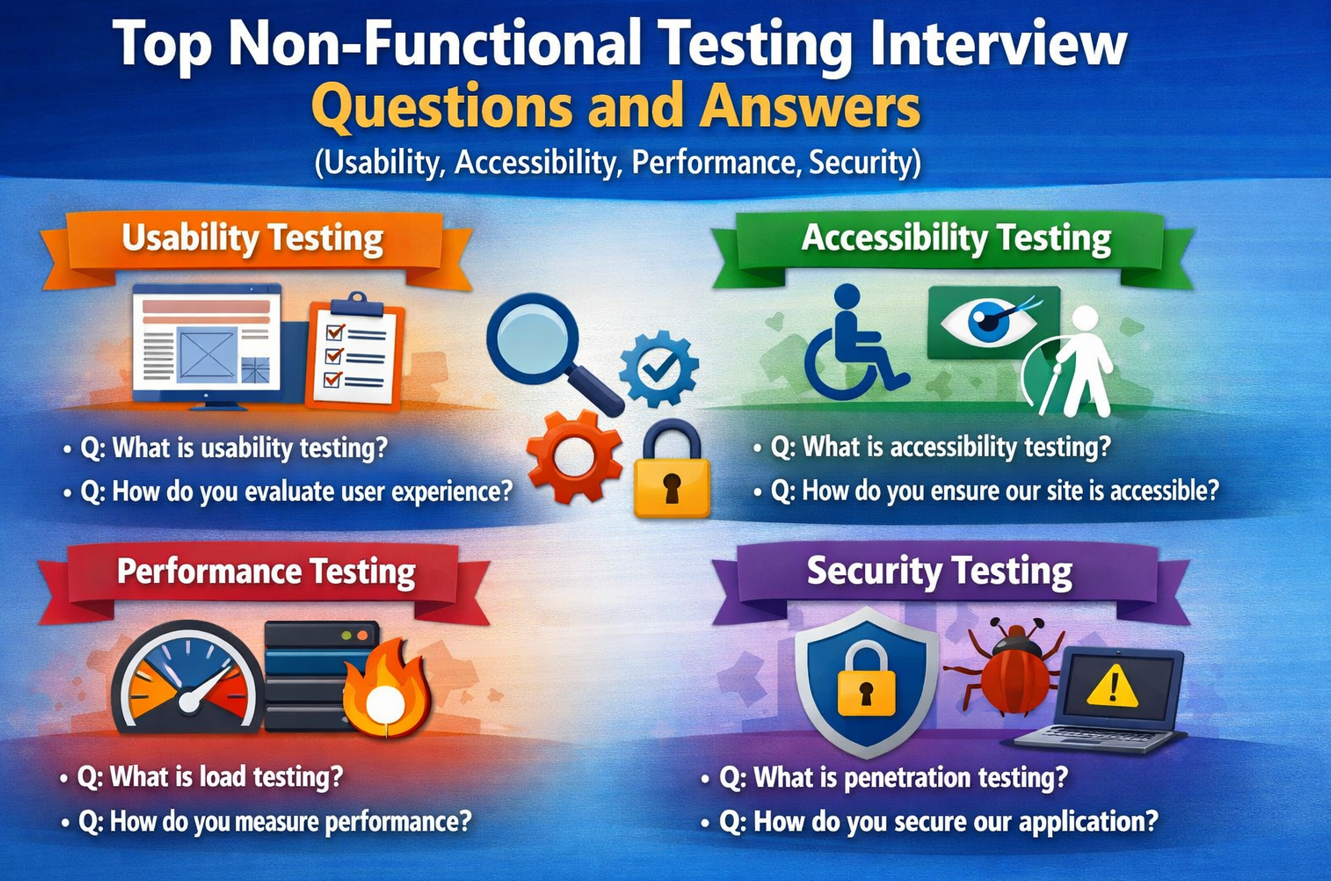
If you are preparing for interviews on software testing then functional testing and non-functional testing both are asked in the interview. The best approach is to understand practical quality areas that directly affect real users, not just definitions. In real projects, features can be functionally correct but still fail due to poor usability, weak accessibility, slow performance, or basic security gaps, so interviewers often check whether you can connect testing concepts to real business impact.
1. What is non-functional testing?
Non-functional testing is the part of testing where we check the quality of the system, not only feature correctness. In functional testing, we confirm that a button does what it is supposed to do. In non-functional testing, we check whether the same feature is easy to use, fast enough under load, accessible to different users, and safe from common security risks. This matters because users judge the product by experience. If a feature works but feels slow or confusing, users still consider it a failure.
2. Why is non-functional testing important even after functional testing is complete?
Functional testing gives confidence that business logic is implemented. But production failures often happen because of non-functional gaps. For example, payment flow may work in test data, but fail under high traffic. A registration form may save data correctly, but users with screen readers may not be able to complete it. So non-functional testing protects real-world quality. It reduces complaints, improves trust, and helps avoid expensive post-release fixes.
3. What is usability testing in simple terms?
Usability testing checks whether a user can complete tasks smoothly and confidently. The idea is not only “can this be done,” but “can this be done easily.” We look at clarity of labels, page flow, number of clicks, visibility of actions, and helpfulness of error messages. If users hesitate too much, repeat steps, or make frequent mistakes, usability is weak even if functionality is technically correct.
4. How do you perform usability testing during a project?
I’ll start with top user routes such as sign-up, login, search, checkout, and form submission. While testing, I watch for points such as unclear wording, confusing navigation, hidden call-to-action buttons, and poor feedback after user actions. I also check consistency across screens so users do not need to relearn patterns. A practical approach is to observe how quickly a first-time user completes the flow and where they get stuck.
5. What usability defects are most commonly found?
The very common defects include vague button text (“Submit” where “Pay Now” is needed), forms asking too much data, unclear validation messages, and broken navigation expectations. Another frequent issue is losing user-entered form data after one error. These defects look small but can directly reduce conversion, increase support calls, and create frustration for users.
6. What is accessibility testing?
Accessibility testing checks if people with different physical or cognitive needs can use the product. This includes users who rely on keyboard navigation, screen readers, zoom, contrast settings, or voice tools. The goal is equal usability. A core flow like login or checkout should be usable for everyone, not only mouse users with standard vision and hearing.
Accessibility Testing vs Usability Testing
Both improve user experience, but they focus on different things. Usability testing checks ease and clarity for general users. Accessibility testing checks whether people with disabilities can use the product effectively.
1) Usability Testing
Checks if users can complete tasks easily, quickly, and without confusion.
Focus: clear flow, simple navigation, understandable labels, better user journey.
2) Accessibility Testing
Checks if users with visual, hearing, motor, or cognitive limitations can use the product.
Focus: keyboard support, screen readers, contrast, labels, assistive compatibility.
Quick Comparison Table
| Aspect | Usability Testing | Accessibility Testing |
|---|---|---|
| Main Goal | Ease of use for general users | Inclusive access for users with disabilities |
| Checks | Navigation, labels, task clarity, user flow | Keyboard use, contrast, ARIA/labels, screen reader support |
| Output | Friction points and UX improvements | Barrier findings and compliance/inclusion fixes |
| Who Benefits | All users | All users, especially assistive-tech users |
Usability Testing Example
If users need 7 clicks to submit a simple support request and still get confused by unclear field names, this is a usability issue. The feature works, but the journey is inefficient and frustrating.
Accessibility Testing Example
If the same support form cannot be completed with keyboard-only navigation or screen reader labels are missing, this is an accessibility issue. The feature is blocked for some users.
Best Practice: Use Both Together
Usability and accessibility should run in parallel. A screen can be usable for mouse users but inaccessible for keyboard users. A screen can be accessible but still confusing in flow. Real quality comes when the product is both easy and inclusive.
Final Takeaway
Usability testing improves user comfort and task success. Accessibility testing ensures equal access for all users. Together they make software more human-friendly, inclusive, and production-ready.
7. What are the first accessibility checks a tester should do?
A good starting point is keyboard-only testing: tab order, focus visibility, and action completion without a mouse. Then tester can check proper labels on input fields, readable contrast, meaningful link names, and informative error text. After that, run screen-reader checks for key pages. Automated scanners are useful for quick coverage, but manual validation is essential because many real issues are contextual.
8. Why is color contrast considered a serious accessibility requirement?
Low contrast reduces readability and increases visual strain. Users with low vision are affected most, but even users with normal vision struggle in sunlight, low brightness, or small screens. If important content like warnings, prices, or action buttons has poor contrast, users make mistakes or drop out. So contrast is not only a design choice; it is a usability and accessibility requirement.
9. What is performance testing?
Performance testing measures how fast, stable, and responsive the system is under different traffic conditions. It helps answer practical questions: How quickly does checkout respond? How many users can the system handle together? What happens during peak events? Performance testing is important because slow systems directly hurt user satisfaction and business outcomes.
10. What is load testing, and when do you use it?
Load testing checks application behavior under expected traffic levels. We use it when we know typical user volume, such as weekday traffic or scheduled campaign usage. The objective is to verify the system meets response-time and reliability targets during normal operations. If it fails under expected load, users will feel delays even without extreme traffic.
11. What is stress testing, and why is it useful?
Stress testing pushes the system beyond expected capacity to find its breaking point. It shows where failures start, how errors appear, and whether recovery is smooth once traffic drops. This helps teams prepare for unexpected spikes, marketing surges, or attack-like traffic patterns. In short, stress testing improves resilience planning and incident readiness.
Performance Testing vs Load Testing vs Stress Testing
These three terms are connected, but each has a different purpose. Performance testing is the broader category, while load testing and stress testing are specific test types inside it.
1) Performance Testing
Checks overall speed, responsiveness, and stability under different conditions.
Main Goal: Validate complete runtime quality before release.
2) Load Testing
Runs system under expected or normal peak user traffic.
Main Goal: Confirm SLA and reliability at planned business volume.
3) Stress Testing
Pushes traffic beyond expected limits to find failure point and recovery behavior.
Main Goal: Understand system limits and resilience under pressure.
Quick Comparison
| Aspect | Performance Testing | Load Testing | Stress Testing |
|---|---|---|---|
| Scope | Broad umbrella | Specific test type | Specific test type |
| Traffic | Multiple levels | Expected user load | Beyond expected load |
| Purpose | Overall performance quality | Capacity validation | Limit and recovery validation |
| Business Use | Release readiness | Daily reliability | Peak-risk preparedness |
Simple Real Example
Use case: Ecommerce checkout API
• Load Test: Validate response under expected 3,000 users.
• Stress Test: Push to 8,000+ users to observe failure pattern and recovery time.
• Performance Testing: Covers both plus broader response/stability analysis.
12. What is endurance testing, and what kind of issues does it reveal?
Endurance testing runs the application for long periods under stable load. It reveals issues that short tests may miss, such as memory leaks, slow resource exhaustion, and gradual response-time degradation. Systems may pass short load tests but still degrade after several hours of continuous usage. Endurance testing is especially important for always-on systems.
Endurance Testing (Soak Testing)
Endurance testing checks whether an application can stay stable and responsive for a long period under continuous load. The goal is to catch issues that do not appear in short load tests, such as memory leaks, slow resource buildup, or gradual performance drop.
Why Endurance Testing Matters
Some systems perform well for 20–30 minutes but degrade after several hours. Endurance testing helps detect hidden long-run issues before users face slowness, failures, or downtime in production.
Typical Duration
Usually 6 to 24+ hours, depending on business needs. For high-availability systems, teams may run endurance tests for 48–72 hours to simulate real production behavior.
Load Pattern
A steady, realistic load is applied for long duration. Unlike stress testing, the goal is not to break the system quickly, but to observe whether it stays healthy over time.
What Endurance Testing Looks For
| Area | What to Observe | Risk if Ignored |
|---|---|---|
| Memory | Gradual RAM increase without release | Memory leaks and eventual crashes |
| Response Time | Slow increase in p95/p99 over time | User-facing slowness during long operations |
| Error Rate | More failures as runtime increases | Unstable service in production |
| DB / Connections | Connection pool exhaustion, locked threads | Timeouts and transaction failures |
Simple Example
Scenario: Banking app transaction API
• Run 1,500 concurrent users for 12 hours
• Monitor response time, memory, CPU, and error rate every 10 minutes
• If p95 rises steadily and memory never comes down, investigate memory/resource leaks
Best Practices
• Use production-like data and realistic user behavior
• Track trends, not just start and end values
• Correlate app metrics with server/database metrics
• Define pass/fail criteria before test starts
Final Takeaway
Endurance testing proves whether your system can remain healthy for long-running real usage. If short load tests say “everything is fine,” endurance testing verifies whether it stays fine after hours of continuous demand.
13. Which performance metrics should testers focus on?
Core performance metrics are response time, throughput, error rate, CPU usage, memory usage, and network behavior. I also focus on percentile response times (like p95/p99), because averages can hide bad user experience. For example, an average of 1.8 seconds may look fine, but if 10% of users wait 8 seconds, business impact is still serious.
Performance Metrics Every Tester Should Know
Performance metrics help us understand whether an application is fast, stable, and scalable in real conditions. Instead of guessing, these numbers show exactly where the system is healthy and where it is struggling.
1) Response Time
How long the system takes to respond to a request. This is the most user-visible metric, because slow response directly affects user experience.
2) Throughput
Number of requests or transactions processed per second/minute. Higher throughput means the system can handle more workload efficiently.
3) Error Rate
Percentage of failed requests (4xx/5xx/timeouts). Even if response time looks okay, a high error rate means users are still failing to complete tasks.
4) Concurrency
Number of active users or sessions at the same time. Helps measure how the app behaves when many users interact together.
5) CPU Usage
Shows how much processor capacity is being used. Constantly high CPU under load may indicate inefficient code or heavy computation bottlenecks.
6) Memory Usage
Tracks RAM consumption over time. Rising memory without release may indicate memory leaks, which often cause crashes in long-running systems.
Advanced Metrics That Add Better Insight
| Metric | Why It Matters | Practical Interpretation |
|---|---|---|
| p95 / p99 Response Time | Shows worst-user experience better than average | If p95 is high, many users are waiting too long |
| Latency | Measures delay before response starts | High latency often indicates network or backend delay |
| Disk I/O | Tracks storage read/write pressure | High disk wait can slow DB-heavy operations |
| Network Bandwidth | Shows data transfer limits | Saturation can cause request delays/timeouts |
How to Read Metrics Together
A single metric is not enough. Always analyze metrics in combination:
• Fast response + high errors = unstable system
• Good average + poor p95 = hidden user pain
• Rising memory during endurance run = possible memory leak
Final Tip
For release decisions, do not rely only on “average response time.” Always include percentile timings, error rate, and resource usage. That gives a realistic picture of user experience and production readiness.
14. What is basic security testing in QA?
Basic security testing in QA is an early defense layer. It verifies authentication, authorization, session handling, input validation, secure communication, and protection of sensitive information. This is not a full penetration test, but it catches common high-impact mistakes early. It helps reduce risk before specialized security teams perform deeper assessments.
15. What is the difference between authentication and authorization?
Authentication answers: “Who are you?” Authorization answers: “What are you allowed to do?” A user may log in correctly (authentication success), but still must not access admin actions (authorization control). Many critical defects happen when systems authenticate properly but fail to enforce role-based permissions at API or backend level.
16. How do you test authorization in a practical way?
I create role-based test users (admin, manager, normal user, guest) and try the same sensitive actions with each role. I test via UI and direct API calls, because hidden buttons alone do not guarantee security. I also test URL tampering and ID manipulation cases. If restricted actions can be executed by lower roles, I mark it as high severity.
17. What basic security defects are commonly found in applications?
Common issues include weak session timeout, predictable password reset logic, missing input sanitization, insecure direct object references, and sensitive data exposure in logs or responses. Another common gap is permission checks in frontend but not backend. These are dangerous because they may lead to data leaks or unauthorized actions in production.
18. How should non-functional defects be reported so teams can act fast?
Good reporting should be evidence-based. Include environment, steps to reproduce, expected vs actual behavior, and measurable impact. For performance: user load, request type, and timing values. For accessibility: assistive technology behavior and blocked user flow. For security: risk summary and reproducible path. Clear reports help product, dev, and QA teams prioritize quickly and fix correctly.
Security Testing vs Penetration Testing
Both are important for product safety, but they are not the same. Security testing is broad and continuous. Penetration testing is a focused attack simulation done to find exploitable weaknesses.
1) Security Testing
Checks whether the application protects data, users, and system access.
Examples: Authentication checks, authorization checks, session timeout, input validation, secure data handling.
2) Penetration Testing
Simulates real attacker behavior to exploit vulnerabilities and measure actual risk.
Examples: SQL injection exploitation, auth bypass attempts, privilege escalation, token/session attacks.
Detailed Comparison
| Aspect | Security Testing | Penetration Testing |
|---|---|---|
| Scope | Broad, covers many security controls | Focused, exploit-driven assessment |
| Goal | Find vulnerabilities and weak configurations | Prove exploitability and impact |
| Who Performs | QA, security engineers, DevSecOps | Specialized ethical hackers / security experts |
| Frequency | Regularly during SDLC | Periodic (before release / audit cycles) |
| Output | List of security findings and gaps | Exploit proof, risk severity, business impact |
What QA Can Cover in Basic Security Testing
• Login and password policy checks
• Role-based access validation (UI + API)
• Session timeout and logout behavior
• Input validation and error-message safety
• Sensitive data exposure checks (URL, logs, local storage, API response)
What Penetration Testing Adds
Penetration testing goes deeper by actively attempting attacks. It validates whether a vulnerability can actually be exploited and what damage is possible (data theft, account takeover, privilege escalation, service disruption). This helps organizations prioritize fixes based on real attack risk, not only theoretical weakness.
Simple Real Example
Security Testing: QA verifies that a normal user cannot open admin reports.
Penetration Testing: Ethical hacker attempts token tampering and privilege escalation to access admin data anyway.
Together, both checks provide complete confidence.
Final Takeaway
Use security testing as a continuous quality practice in every sprint. Use penetration testing as a deeper expert-level attack simulation before major releases or compliance milestones. One finds gaps; the other proves real-world exploit risk.
19. How do you prioritize non-functional defects?
I prioritize using impact and risk. If a defect blocks critical user flows, affects compliance, exposes data, or causes major slowdown, it should be top priority. If the issue is minor visual inconsistency with no user risk, it can be scheduled later. Priority decisions should always link to business effect, user experience impact, and release risk.
20. When should non-functional testing start in the SDLC?
It should start early and continue through each sprint. If teams wait until the end, fixes become costly because architecture and design are already frozen. Early non-functional checks help prevent late surprises, reduce release delays, and improve product stability. In mature teams, usability, accessibility, performance, and security are treated as continuous quality activities, not last-minute tasks.
Conclusion
Learning above questions will surely help you. Strong non-functional testing makes software more dependable, inclusive, and production-ready. When you explain these topics with practical examples and clear reasoning, you show that you can think beyond test cases and contribute to overall product quality, user trust, and release confidence.
Discover more from Newskart
Subscribe to get the latest posts sent to your email.

Comments are closed.