


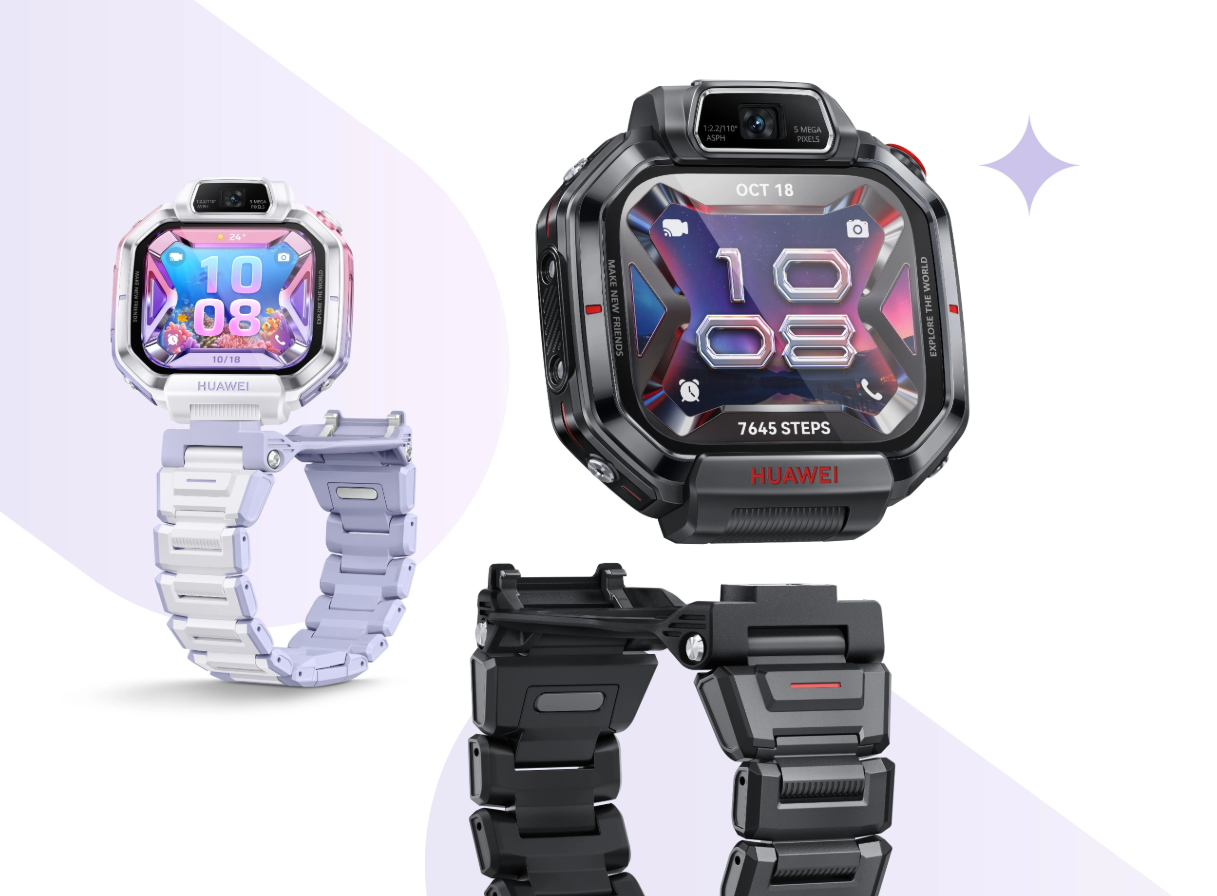
Parents usually buy a kids’ smartwatch for one reason which is peace of mind. With the launch of the HUAWEI WATCH Kids X1 and WATCH Kids X1 Pro, Huawei is clearly focusing on that promise while adding a design that feels fun for children. The two watches share many core capabilities, but the Pro model introduces a detachable body concept that also works like a compact camera setup.
What makes this launch interesting is that it is not only about style or screen size but Huawei has built these wearables around safety-first tools such as precise positioning, emergency alerts, and parent-controlled zones. For families comparing options, the real value lies in how these features work in everyday life.
Safety features that matter in real-life parenting
The biggest highlight is location support. Huawei says the X1 series uses multiple positioning methods, combining satellite signals, network data, Wi-Fi support, and sensor-based inputs to improve tracking reliability in different environments. In practical terms, this is meant to help parents check location both outdoors and in complex indoor areas where basic tracking often struggles.
Another important layer is safe zone protection. Parents can set zones such as home, school, tuition center, or a relative’s place. If the child enters or leaves these boundaries, the app can send an alert. For many households, this reduces constant calling and helps parents confirm routine movement without being intrusive.
Then there is the Emergency SOS option, which is one of the most useful features in this category. On the X1 series, children can trigger an SOS action quickly through the watch controls, allowing an urgent message or call flow when immediate help is needed. For younger users who may panic during unexpected situations, one-touch emergency actions are far more practical than searching through menus.
Huawei also ties these functions with the FamCare app, where guardians can review activity status and safety information in one place. A companion app is often overlooked during purchase decisions, but it can make or break the experience. If alerts are timely and easy to understand, parents are more likely to trust and continue using the device.
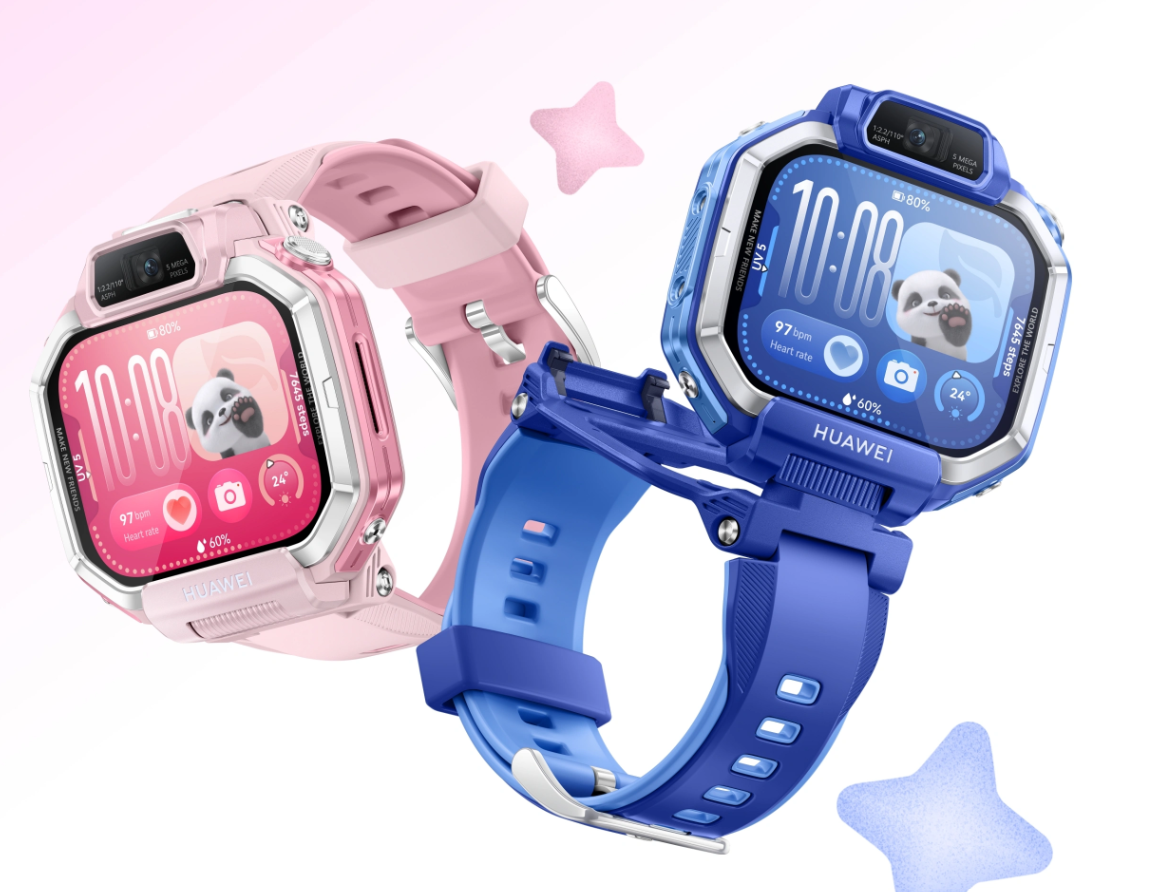
Huawei X1 vs X1 Pro-Difference and which one should you prefer
Both models are carrying child-focused basic features like front/rear cameras, calling support, and safety tracking features. The key difference is that the Kids X1 Pro adds a detachable watch body with an included camera case concept, offering extra flexibility for photo and video use.
From a safety perspective, both variants are aimed at the same goal which are to helping parents and stay connected with kids while giving children some independence. So, choosing between them may come down to use style rather than security essentials. Parents who want a basic safety watch can go with standard X1 and who want a more feature-rich experience, especially around camera interaction and premium hardware touches, may go with the X1 Pro model.
These devices are support tools only which are useful for visibility, communication, and emergency responses. In short, the HUAWEI WATCH Kids X1 series looks like a good step in the kids wearable segment. The blend of location intelligence, zone alerts, SOS access, and parent app control addresses what most families actually care about. If priced competitively in your market, these watches could become strong options for parents who want both connectivity and practical safety features on their child’s wrist under the good brand.
Discover more from Newskart
Subscribe to get the latest posts sent to your email.

Comments are closed.