


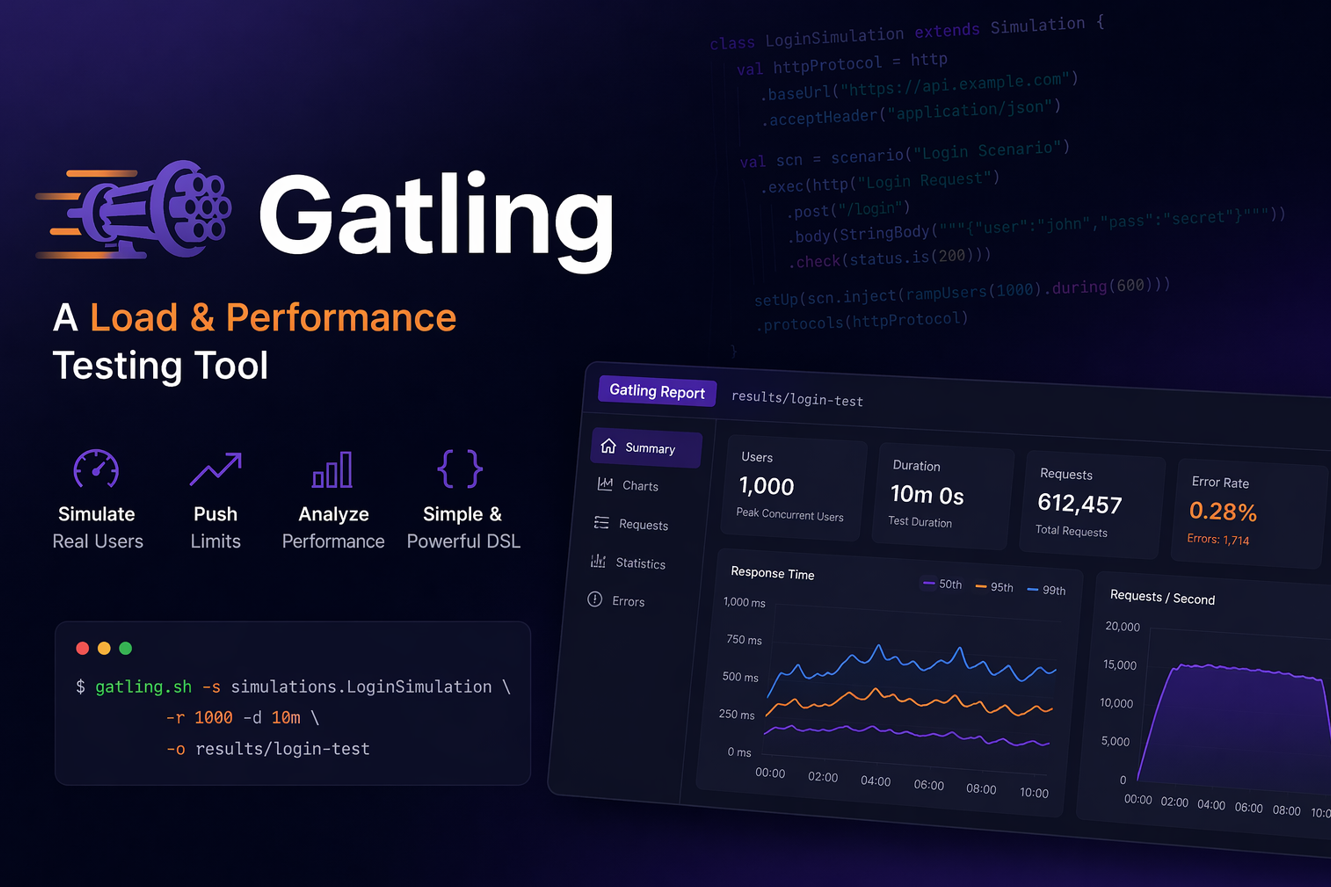
Performance testing interviews now expect more than tool names; they expect you to explain how you model real user traffic and measure system behavior under load. Gatling is a strong choice for this because it is fast, code‑driven, and designed for modern CI/CD workflows. This guide keeps the language simple while giving you the depth you need to answer confidently and explain your testing decisions in real projects.
1) What is Gatling, and why is it used for performance testing?
Gatling is a high‑performance load testing tool built for scalable, code‑driven testing. It uses Scala‑based scripting to simulate thousands of virtual users efficiently. Teams choose it because it is fast, resource‑friendly, and produces detailed HTML reports. It fits well into CI/CD pipelines for continuous performance validation.
2) How is Gatling different from JMeter?
JMeter is GUI‑driven, while Gatling is code‑centric and version‑control friendly. Gatling uses a highly optimized async engine, so it can handle more users with fewer resources. Its reports are clean and built‑in by default. JMeter is still popular, but Gatling is preferred by teams who want speed and code‑based test design.
Gatling vs JMeter vs Grafana k6 (Quick Comparison)
Simple side‑by‑side view to help readers understand which tool fits their use case.
| Feature | Gatling | JMeter | Grafana k6 |
|---|---|---|---|
| Primary Language | Scala (JVM) | GUI + Java/Groovy | JavaScript |
| Approach | Code‑based DSL | GUI‑driven with JMX | Code‑based scripting |
| Performance | Very fast, async engine | Heavier at scale | Fast and lightweight |
| Ease for Beginners | Medium (Scala DSL) | High (GUI) | High (JS) |
| CI/CD Fit | Excellent | Good, but heavier | Excellent |
| Best For | High‑scale API testing, JVM teams | GUI‑first testers, legacy setups | DevOps & modern pipelines |
| Reporting | Built‑in HTML report | Multiple listeners/plugins | CLI summary + Grafana integration |
Quick Pick: If you want GUI and broad protocol support → JMeter. If you want JVM performance and strong DSL → Gatling. If you want JavaScript + DevOps simplicity → k6.
3) What language does Gatling use, and why does it matter?
Gatling uses Scala for scripting, which runs on the JVM. This gives strong performance and allows functional‑style test design. It may feel less familiar to beginners than JavaScript, but it is powerful once understood. Many teams treat Gatling scripts like production code with full version control.
4) What is a Simulation in Gatling?
A Simulation is the main test file where you define the scenario, user injection, and protocol settings. It acts as the entry point for your test execution. Each simulation describes how users behave and how load is applied. Without a simulation, Gatling has nothing to run.
5) Show a basic Gatling script example.
import io.gatling.core.Predef._
import io.gatling.http.Predef._

class BasicSimulation extends Simulation {

  val httpProtocol = http.baseUrl("https://example.com")

  val scn = scenario("Basic Load Test")
    .exec(http("Home Page").get("/"))

  setUp(
    scn.inject(atOnceUsers(10))
  ).protocols(httpProtocol)
}
This script hits the homepage with 10 users at once.
6) What are scenarios in Gatling?
Scenarios describe the user journey: login, search, add to cart, checkout, etc. Each scenario is a chain of actions executed by virtual users. You can build multiple scenarios and run them together. This models real traffic more accurately than single‑endpoint tests.
7) What is user injection in Gatling?
User injection defines how virtual users are started in a test. You can inject instantly, ramp up, hold constant users, or use complex patterns. This controls load shape and helps simulate real‑world traffic. It is one of Gatling’s most powerful features.
8) How do you perform ramp‑up in Gatling?
setUp(
  scn.inject(rampUsers(100).during(60))
).protocols(httpProtocol)
This gradually increases users to 100 over 60 seconds, which is more realistic than a sudden spike.
9) What are feeders in Gatling?
Feeders provide dynamic data like usernames, product IDs, or API payloads. They are often loaded from CSV, JSON, or databases. Each virtual user consumes a different data row, preventing collisions. Feeders make test traffic realistic and diverse.
10) How do you check responses in Gatling?
You use checks to validate status codes, response body, or JSON fields. Checks ensure that performance results are valid, not just fast. Without checks, you might load test an API that is actually failing silently. Functional validation is essential in performance testing.
11) What is correlation in Gatling?
Correlation is capturing dynamic values like tokens or session IDs from responses and reusing them in later requests. Gatling provides checks and session variables for this. Without correlation, secure or stateful flows often break. It is critical for realistic multi‑step scenarios.
12) How do you handle authentication in Gatling?
You can automate login requests and capture tokens for API calls. Tokens are stored in the session and passed in headers for later requests. This allows realistic multi‑user authentication testing. It is common for API load testing.
13) What is the role of the HTTP Protocol configuration?
HTTP protocol settings define the base URL, headers, and common settings for requests. This reduces duplication in scripts and keeps code cleaner. You can also add common headers like auth tokens or content‑type. It makes test scripts easier to maintain.
14) How does Gatling generate reports?
Gatling automatically creates HTML reports after each test run. Reports include response time distributions, percentiles, error rates, and throughput. These are ready to share with teams without extra configuration. This built‑in reporting is one of Gatling’s strengths.
15) What is the difference between load, stress, and soak testing in Gatling?
Load testing checks expected traffic, stress testing pushes beyond normal limits, and soak testing runs for long durations. Gatling supports all three via injection profiles and test duration control. Different tests reveal different bottlenecks. You choose based on your performance goals.
16) How do you run Gatling in CI/CD?
You can run Gatling with Maven, Gradle, or the Gatling bundle in a CI pipeline. Reports can be archived as build artifacts. Threshold‑like checks can fail the pipeline if performance degrades. This integrates performance testing into continuous delivery.
17) What metrics matter most in Gatling results?
Response time percentiles (p95/p99), error rate, and throughput are the most important. Average response time can hide spikes, so percentiles are more reliable. You should also look at failed requests and response distribution. These metrics reflect real user experience.
18) How do you avoid unrealistic test results in Gatling?
Use realistic ramp‑up, pauses, and varied data to simulate real users. Avoid sending requests too quickly without think time. Validate responses with checks to ensure correctness. Poor realism leads to misleading results.
19) What is pace or pause in Gatling?
Pause simulates user think time between actions. You can add fixed or randomized pauses for realism. Without pauses, your test becomes a stress burst instead of a realistic flow. It helps model human behavior more accurately.
20) How do you test APIs in Gatling?
Gatling is excellent for API performance testing because requests are lightweight and Scala code is fast. You can send JSON, add headers, and validate responses. Combined with feeders and checks, it creates realistic API load. Many teams use Gatling primarily for API testing.
21) What is a session in Gatling?
A session is where Gatling stores user‑specific data during test execution. It holds captured values, feeder data, and variables across requests. This makes user flows stateful and consistent. Sessions are key for correlation and personalized flows.
22) How do you model multiple user types in one test?
You create separate scenarios for each user type and inject them together. For example, one scenario for guests, one for logged‑in users, and one for admins. This gives a realistic traffic mix. It improves confidence in performance results.
23) What is throttling in Gatling?
Throttling controls the maximum requests per second regardless of user count. This is useful when you want to test system limits without overwhelming upstream services. It gives you fine‑grained control over load rate. Throttling is useful in regulated environments.
24) What are common mistakes in Gatling testing?
Common mistakes include no correlation, unrealistic pacing, poor data variation, and ignoring failed requests. Another mistake is using only averages instead of percentiles. These mistakes give a false sense of system performance. Good scripts focus on realism and validation.
25) What interview‑ready example should you explain confidently?
A strong example is: login → search → add to cart → checkout with feeders and checks. It shows realistic flow design, data variation, and validation. Explain user injection strategy and metrics interpretation. Interviewers want to hear how you made the test realistic and meaningful.
Gatling Quick Code Snippets (Easy to Understand)
Short examples that show how Gatling scripts are structured.
1) Basic HTTP GET
import io.gatling.core.Predef._
import io.gatling.http.Predef._

class SimpleSim extends Simulation {
  val httpProtocol = http.baseUrl("https://example.com")

  val scn = scenario("Home Page")
    .exec(http("GET /").get("/"))

  setUp(scn.inject(atOnceUsers(5))).protocols(httpProtocol)
}
2) Ramp‑Up Users
setUp(
  scn.inject(rampUsers(100).during(60))
).protocols(httpProtocol)
3) Check Response Status
exec(
  http("Login")
    .post("/login")
    .formParam("user", "test")
    .formParam("pass", "123")
    .check(status.is(200))
)
4) Pause (Think Time)
scenario("Browse Flow")
  .exec(http("Home").get("/"))
  .pause(2)
  .exec(http("Search").get("/search?q=phone"))
5) Feeder Example
val feeder = csv("users.csv").circular

scenario("Login with Data")
  .feed(feeder)
  .exec(http("Login")
    .post("/login")
    .formParam("user", "${username}")
    .formParam("pass", "${password}")
  )
Conclusion
If you practice these Gatling interview questions with hands‑on scripts, you will be ready for both interviews and real performance testing work. Focus on realistic scenarios, user injection profiles, correlation, and metrics like percentiles and error rate. When you can connect your test design to business impact, you stand out as a performance engineer who understands outcomes, not just tools.
Discover more from Newskart
Subscribe to get the latest posts sent to your email.

Comments are closed.