


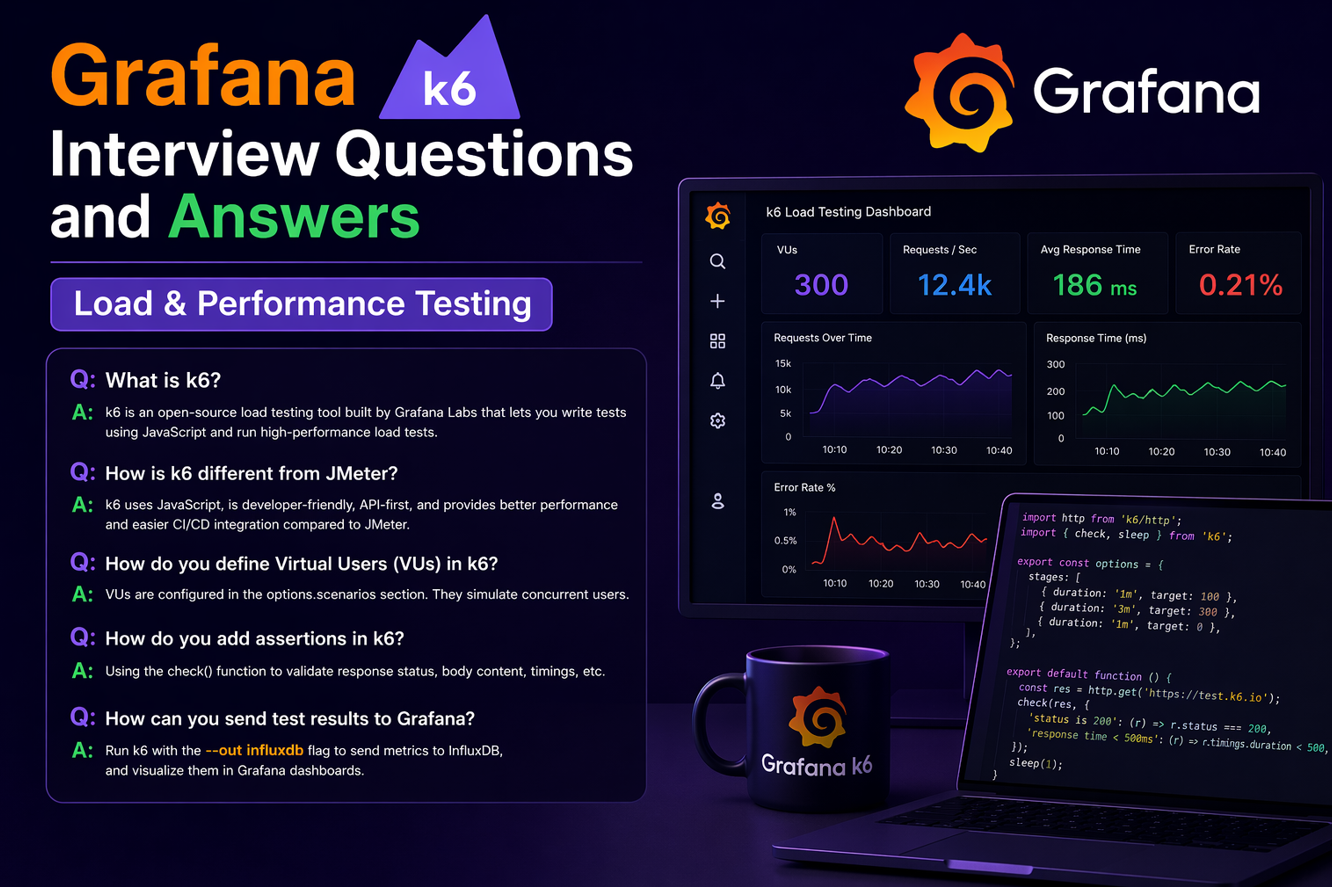
Performance testing interviews now focus on code‑driven tools, and Grafana k6 is one of the most in‑demand options because it blends JavaScript scripting with CI/CD‑friendly execution. Though this is developer centric tool but QA team also use this tool for the load and performance testing. This interview guide is written in simple language to help you understand not just the commands but the reasoning behind each concept. If you can explain how k6 models real user traffic and validates performance outcomes, you are already ahead of most candidates.
1) What is Grafana k6, and why do teams use it for performance testing?
Grafana k6 is an open‑source, developer‑friendly load testing tool that uses JavaScript to write tests as code. It is popular because it runs fast, integrates well with CI/CD, and produces clear performance metrics. Teams use it to test APIs, web apps, and services under realistic traffic conditions. Its scripting style makes tests easy to version‑control and maintain like regular code.
2) How is k6 different from JMeter?
JMeter is GUI‑driven and test plans are often heavier to version‑control, while k6 is fully code‑based. k6 scripts are clean JavaScript and easy to run in CI with simple commands. k6 is lighter, faster, and more automation‑friendly for modern DevOps pipelines. JMeter still has a strong GUI ecosystem, but k6 excels in code‑first workflows.
3) What is the basic structure of a k6 script?
A k6 script has an options section for load settings and a default function for test logic. The default function is executed by each virtual user (VU). You can also add setup/teardown functions for pre‑test and post‑test actions. This structure keeps load profile and test logic cleanly separated.
import http from 'k6/http';

export const options = { vus: 10, duration: '30s' };

export default function () {
  http.get('https://example.com');
}
4) What are VUs in k6?
VUs are virtual users that simulate real concurrent users. Each VU runs the default function repeatedly during the test. The number of VUs controls how much concurrency you apply. It is the core unit of load in k6.
5) How do you set ramp‑up or stages in k6?
You define stages in the options object. Each stage sets a target VU count and duration, creating a ramp‑up/ramp‑down profile. This is closer to real traffic patterns than a flat constant load. It also helps identify when performance starts degrading.
export const options = {
  stages: [
    { duration: '1m', target: 50 },
    { duration: '2m', target: 100 },
    { duration: '1m', target: 0 },
  ],
};
6) How does k6 check response correctness?
k6 uses check() to validate conditions like status code or response time. You can define multiple checks per request and track their success rate. This ensures you are not just testing speed but also correctness. Failed checks indicate functional issues under load.
import { check } from 'k6';
check(res, { 'status is 200': r => r.status === 200 });
7) What are thresholds in k6, and why are they important?
Thresholds are pass/fail rules for performance metrics like response time or error rate. They help you decide if a test run is acceptable or should fail the build. This makes performance testing actionable in CI/CD. Common thresholds include P95 response time and error percentage.
export const options = {
  thresholds: {
    http_req_duration: ['p(95)<500'],
    http_req_failed: ['rate<0.01'],
  },
};
8) How do you test APIs with k6?
k6 provides the http module for GET, POST, PUT, DELETE requests. You can send JSON bodies, headers, and query parameters like any API client. Combine this with checks and thresholds for full performance validation. It is simple yet powerful for API load testing.
9) How do you handle authentication in k6?
For token‑based auth, you first call the login API and store the token. Then you add it in Authorization headers for subsequent requests. You can use setup() to generate tokens once and share with VUs. This prevents redundant logins and keeps tests fast.
10) What is setup() in k6?
setup() runs once before the VU load starts. It is used to prepare data, create tokens, or seed test states. The return value of setup() is passed to the default function. This makes scripts efficient and avoids repeated setup work.
11) What is teardown() in k6?
teardown() runs once after the test finishes. It is used to clean up data, close sessions, or log summary details. It helps keep environments clean after load tests. Not every test needs it, but it’s good practice for data-heavy flows.
12) How do you parameterize test data in k6?
You can load data from JSON/CSV files and use it in requests. Each VU can pick different data to avoid duplicates. This makes traffic realistic and prevents server cache bias. Parameterization is essential for credible performance tests.
13) How do you simulate realistic user think time?
You use sleep() to pause between actions. This mimics real user behavior instead of firing requests instantly. Without think time, the test becomes unrealistic and too aggressive. Small sleeps create more accurate load patterns.
14) Can k6 test WebSockets or gRPC?
Yes, k6 supports WebSocket testing through k6/ws. gRPC is supported using the k6/net/grpc module. This makes k6 useful beyond HTTP APIs. It covers modern real‑time and microservice workloads.
15) How do you run k6 in CI/CD?
You can run it from the CLI and fail the pipeline based on thresholds. Most CI systems accept a single command, so setup is simple. Example: k6 run script.js in a pipeline stage. This makes performance testing part of continuous delivery.
16) What metrics does k6 provide by default?
k6 reports response time, throughput, error rates, and VU stats. It also provides percentile metrics like p95 and p99. These are more meaningful than averages for real user experience. You can export metrics to Grafana, Prometheus, or InfluxDB.
17) How do you debug a k6 script?
Start with low VU counts and short durations for quick feedback. Use console.log() sparingly to inspect response data. Check for failed checks and bad responses first. Then increase load once correctness is confirmed.
18) What is the difference between load testing and stress testing in k6?
Load testing checks expected traffic levels over time. Stress testing pushes beyond normal limits to find breaking points. Both are possible using different stage profiles. Stress tests reveal where performance collapses.
19) How do you design a realistic scenario in k6?
Model real user flows: login → search → view → checkout. Use realistic pacing, data variation, and error checks. Avoid single‑endpoint flooding unless you are testing spikes. A good scenario mirrors production behavior.
20) How do you handle file uploads in k6?
You can read a file and send it using multipart form data. k6 provides utilities for form boundaries and content types. This allows testing of upload-heavy workflows. Validate both status and response content after upload.
21) What is the role of group() in k6?
group() lets you organize script steps into logical sections. Metrics are grouped under those names for clearer analysis. This helps you see which part of the flow is slow. It improves readability and reporting.
22) Can you run k6 in the cloud?
Yes, k6 supports cloud execution through Grafana Cloud k6. It lets you scale tests without managing your own load generators. This is useful for large traffic simulations. It also provides centralized reporting dashboards.
23) What are common mistakes in k6 testing?
Overloading the system without realistic think time is a common error. Ignoring checks leads to tests that measure speed but miss failures. Not using thresholds makes results hard to interpret. Always validate correctness and performance together.
24) How do you compare results between runs?
Use consistent load profiles and store results in time‑series storage. Track p95, throughput, and error rate across builds. This makes regression detection easier. Automated comparison helps prevent silent performance degradation.
25) What interview‑ready example should you explain confidently?
A good example is: login → fetch token → search → add to cart → checkout. It covers authentication, data variation, checks, and thresholds. Explain how you used stages, sleep, and validation. Interviewers value realistic flow design over simple single‑request scripts.
k6 Quick Code Snippets (Easy to Understand)
Short examples that explain the most common k6 patterns.
1) Basic GET Request
import http from 'k6/http';

export default function () {
  http.get('https://example.com');
}
2) Set Users + Duration
export const options = {
  vus: 10,
  duration: '30s'
};
3) Checks (Validate Response)
import { check } from 'k6';

const res = http.get('https://example.com');
check(res, { 'status is 200': r => r.status === 200 });
4) Stages (Ramp‑Up / Ramp‑Down)
export const options = {
  stages: [
    { duration: '30s', target: 20 },
    { duration: '1m', target: 50 },
    { duration: '30s', target: 0 }
  ]
};
5) Thresholds (Pass/Fail Rules)
export const options = {
  thresholds: {
    http_req_duration: ['p(95)<500'],
    http_req_failed: ['rate<0.01']
  }
};
6) Think Time (Sleep)
import { sleep } from 'k6';

export default function () {
  http.get('https://example.com');
  sleep(1);
}
7) Simple POST Request
import http from 'k6/http';

export default function () {
  const payload = JSON.stringify({ user: 'test', pass: '123' });
  const params = { headers: { 'Content-Type': 'application/json' } };
  http.post('https://example.com/login', payload, params);
}
Conclusion
If you practice these Grafana k6 interview questions with real scripts, you will be ready to answer confidently and build reliable performance tests in real projects. You can focus on fundamentals like stages, checks, thresholds, data variation, and realistic think time. When you can link metrics to user experience and business impact, you stand out as a performance engineer who understands results, not just tools.
Discover more from Newskart
Subscribe to get the latest posts sent to your email.

[…] Grafana k6 […]