

Kali365 Phishing Tool Targets Microsoft 365, Here’s How Businesses May Stay Safe Following Preventive Measures


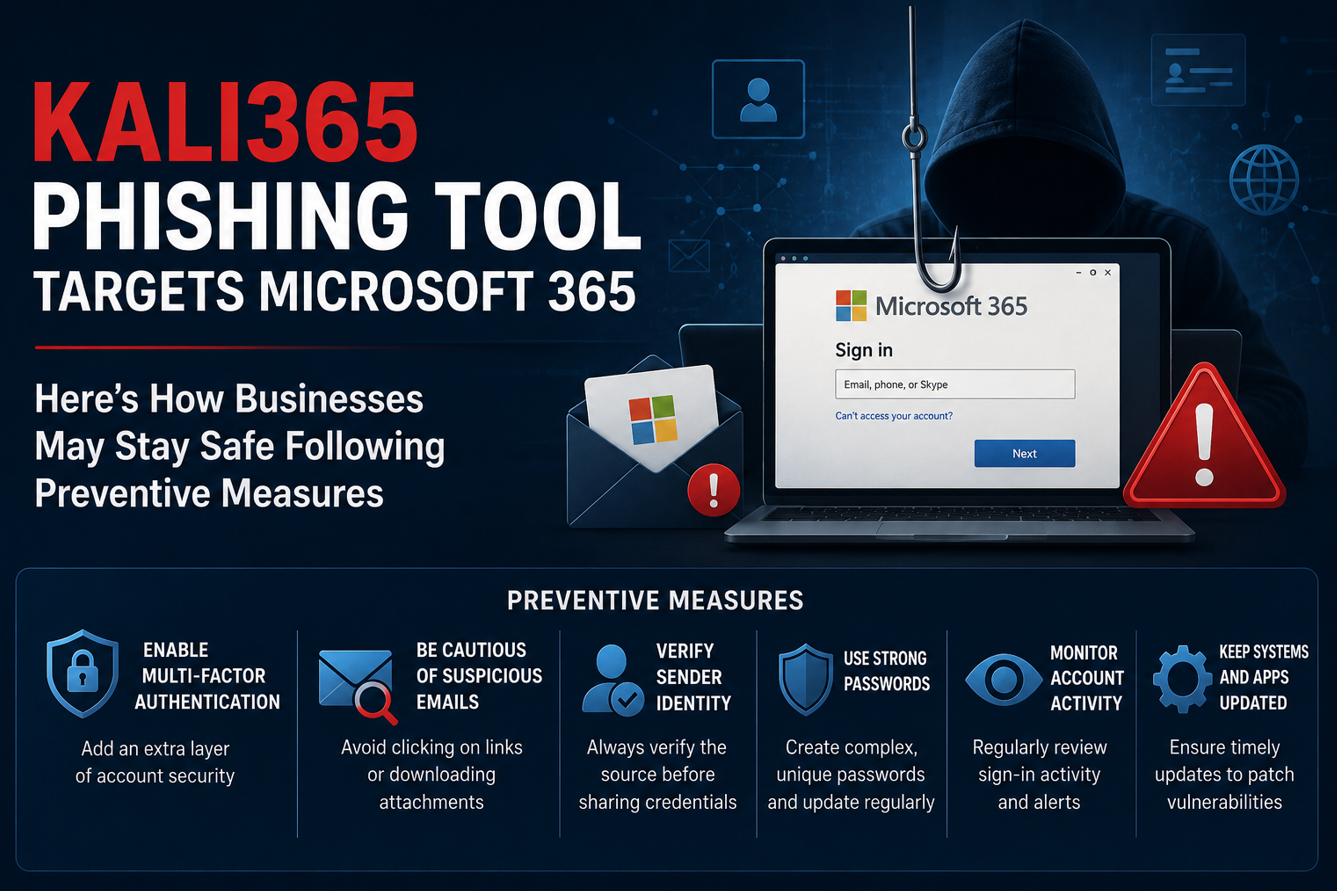
Microsoft 365 is now a daily workspace for millions of people. Emails, files, calendars, Teams chats, invoices, customer records, and internal documents often live inside one account. That is exactly why cybercriminals keep targeting it.
A new phishing-as-a-service platform called Kali365 has raised fresh concern. The FBI warned in May 2026 that Kali365 is being used to hijack Microsoft 365 access tokens and bypass normal multi-factor authentication protections. In simple words, attackers may not need your password if they can trick you into approving the wrong sign-in flow.
This does not mean Microsoft 365 is unsafe by default. It means businesses must stop thinking that “MFA is enough.” MFA is still important, but attackers are now finding smarter ways to abuse trusted login systems. The good news is that companies can reduce this risk with a few strong security changes.
What Is Kali365
Kali365 is reported to be a phishing-as-a-service tool. Phishing-as-a-service, or PhaaS, means cybercriminals can rent or subscribe to ready-made phishing tools instead of building everything themselves. This is dangerous because it lowers the skill needed to launch attacks. A less technical attacker can use prepared templates, phishing emails, tracking dashboards, and automation to target Microsoft 365 users.
According to the FBI’s IC3 alert, Kali365 was first seen in April 2026 and has mainly been distributed through Telegram. The platform is designed to steal Microsoft 365 access tokens, especially OAuth tokens, which can allow attackers to enter accounts without directly stealing the victim’s password.
OAuth sounds technical, but the idea is simple. It is a system that lets apps access your account after you approve them. For example, a trusted app may ask permission to read your calendar or sign you in without asking for your password again. Attackers abuse this trust.
How Kali365 Bypasses Microsoft 365 Security
Traditional phishing usually tries to steal usernames, passwords, and MFA codes. Kali365 is more worrying because it can abuse a real Microsoft authentication flow.
In many attacks, the victim is pushed toward what looks like a normal cloud document, Teams file, or productivity service request. The user may land on a real Microsoft sign-in or verification page. That makes the attack harder to spot because the domain may look genuine.
The trick is not always the page itself. The trick is the approval flow behind it. If the victim completes the process, the attacker may receive access tokens. These tokens can act like a temporary pass into services such as Outlook, Teams, OneDrive, or SharePoint.
This is why some victims may think, “But I never typed my password into a fake website.” That can be true. The attack may still work because the user unknowingly helped approve access.
Why This Is A Serious Risk For Businesses
Microsoft 365 accounts are not just email inboxes. They are business identity hubs.
Once attackers enter an account, they can read emails, search old conversations, download files, monitor payment discussions, and send messages from a trusted address. That can lead to business email compromise, fake invoice fraud, data theft, or internal phishing.
For example, an attacker who gets into a finance manager’s email may quietly watch conversations about vendor payments. Later, they may send a believable message asking the company to change bank details. Since the email comes from a real account, employees may trust it.
Attackers may also create inbox rules to hide warning messages or forward emails. This is why token-based attacks can be painful. Changing the password alone may not always be enough if active sessions, app permissions, and suspicious devices are not reviewed.
How To Secure Microsoft 365 Against Kali365
The first step is to review device code flow. Microsoft itself describes device code flow as a higher-risk authentication method that can be abused in phishing attacks. If your organization does not need it, block it with Conditional Access.
Conditional Access is Microsoft Entra’s policy system that decides who can sign in, from where, on which device, and under what conditions. Businesses can use it to restrict risky authentication flows, including device code flow and authentication transfer.
Second, move toward phishing-resistant MFA. Normal push notifications or one-time codes are better than passwords alone, but they can still be tricked. Stronger options include passkeys, FIDO2 security keys, certificate-based authentication, and Windows Hello for Business. These methods are harder to reuse on an attacker’s device.
Third, limit user consent for apps. Many businesses allow users to approve third-party app access too freely. That can be risky. Admins should control which apps can request permissions, block unverified apps, and review OAuth grants regularly.
Fourth, monitor sign-in logs. Security teams should look for unusual device code flow activity, unfamiliar locations, strange user agents, new device registrations, and sudden mailbox access from unexpected places. A small company may not have a full security team, but even basic alerting is better than waiting for fraud to happen.
Fifth, revoke suspicious sessions quickly. If an account is suspected to be compromised, reset the password, revoke active sessions, remove unknown devices, review app permissions, check inbox rules, and inspect forwarding settings. Do not stop after a password reset.
Sixth, train employees on modern phishing. People often know not to type passwords into strange pages, but they may not know that entering a code on a real Microsoft page can still be risky. Training should include simple examples, such as “Do not enter a Microsoft device code unless you personally started that login.”
Practical Checklist For Small Businesses
If you use Microsoft 365 for your business, start with these actions.
- Block device code flow unless you have a clear business reason to allow it.
- Require phishing-resistant MFA for admins and high-risk users first.
- Disable or restrict user consent for third-party apps.
- Review OAuth app permissions at least once a month.
- Turn on alerts for impossible travel, risky sign-ins, and unfamiliar locations.
- Check mailbox forwarding rules and hidden inbox rules.
- Keep admin accounts separate from daily work accounts.
- Teach employees to report unusual login requests quickly.
These steps may sound basic, but they close many doors attackers depend on.
Competitors And Similar Threats
Kali365 is not the only phishing-as-a-service threat targeting cloud accounts. Other phishing kits and platforms, such as Tycoon 2FA, EvilProxy, Evilginx-style tools, Darcula, and Whisper 2FA, have shown how attackers keep improving phishing automation.
The common theme of them is clear. Cybercriminals are moving from simple fake login pages to more advanced identity attacks. They want session tokens, OAuth grants, MFA approvals, and trusted app access.
That is why companies must secure identity, not just email. The account is now the front door of the business.
Conclusion With Key Takeaways
Kali365 is a warning sign for every Microsoft 365 user and admin. It shows that attackers are no longer only chasing passwords. They are trying to abuse trusted login flows and capture access tokens that can bypass traditional MFA checks.
The answer is not panic. The answer is better identity security. Block risky authentication flows, use phishing-resistant MFA, control app consent, monitor sign-ins, and teach employees what modern phishing looks like.
Key takeaways
- Kali365 is a phishing-as-a-service platform targeting Microsoft 365 accounts.
- It can abuse OAuth and device code authentication to steal access tokens.
- MFA is important, but basic MFA alone may not stop this type of attack.
- Conditional Access, phishing-resistant MFA, and app permission controls are key defenses.
Businesses should review sessions, devices, inbox rules, and OAuth grants after any suspected compromise.
Facts Input- FBI IC3, Microsoft, Protect against consent phishing, Detect and remediate illicit consent grants, Malwarebytes, TechRepublic
Discover more from Newskart
Subscribe to get the latest posts sent to your email.

Comments are closed.