


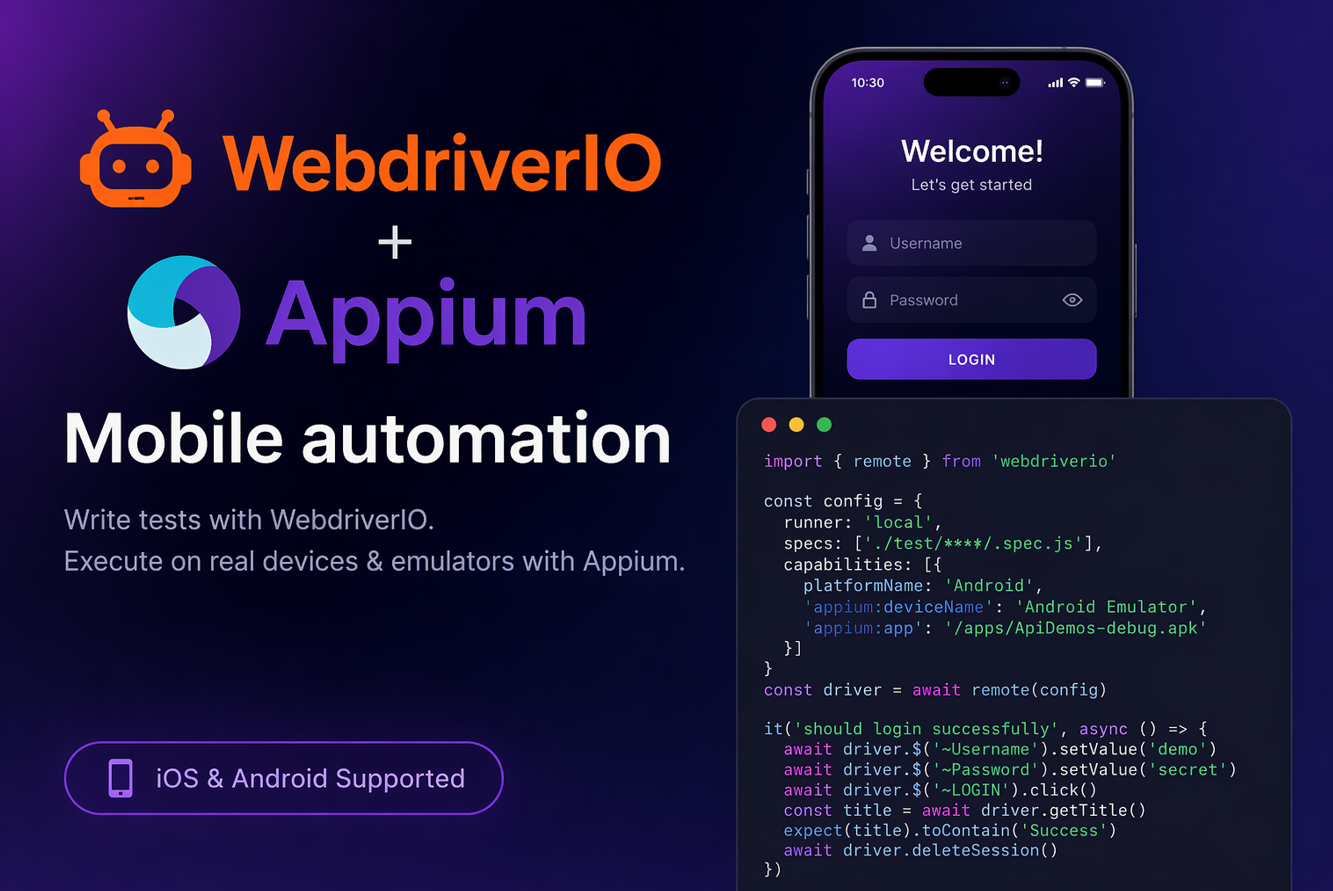
Mobile automation interviews now expect more than tool names; they test how well you can design stable, scalable, and real-world test frameworks. WebdriverIO with Appium is a strong combination because it supports Android and iOS automation with modern JavaScript/TypeScript workflows. This interview guide is built to help you understand the “why” behind each concept, so your answers sound practical, confident, and experience-driven.
1) What is WebdriverIO + Appium, and why is this combo popular for mobile automation?
WebdriverIO is a JavaScript automation framework, and Appium is the mobile automation engine. Together, they let you automate Android and iOS apps using WebDriver protocol in a modern Node.js ecosystem. Teams like this combo because setup is clean, reporting is strong, and TypeScript support is excellent. It works well for both quick MVP automation and enterprise-scale frameworks.
2) How is WebdriverIO mobile automation different from Selenium automation?
Selenium mainly targets web browsers, while Appium enables native/hybrid/mobile-web app automation. With WebdriverIO + Appium, you can automate real devices, emulators, and simulators with mobile-specific commands. You also handle gestures, app lifecycle, permissions, and device capabilities beyond browser actions. So the architecture is similar, but mobile complexity and command set are much richer.
3) What are capabilities in Appium, and why are they critical?
Capabilities are key-value settings that define the session: platform, device, app, automation engine, etc. Without correct capabilities, Appium cannot create a session or launch the target app correctly. They also control behavior like reset strategy, permissions, and app install handling. A stable capability setup is the foundation of reliable mobile automation.
4) Can you show a basic WebdriverIO + Appium capability config?
Yes, this is a typical Android config in wdio.conf.js:
capabilities: [{
  platformName: 'Android',
  'appium:deviceName': 'Pixel_7_Emulator',
  'appium:automationName': 'UiAutomator2',
  'appium:appPackage': 'com.demo.app',
  'appium:appActivity': '.MainActivity',
  'appium:noReset': false
}]
This starts a clean app session and is good for login/onboarding flow testing.
5) What are native, hybrid, and mobile-web apps in testing terms?
Native apps are built specifically for Android/iOS and use native UI elements. Hybrid apps mix native screens with embedded web content (WebView). Mobile-web apps run inside mobile browsers like Chrome or Safari. Your locator strategy and context handling differ for each type.
6) How do you choose the right locator strategy in WebdriverIO mobile tests?
Prefer accessibility id, resource-id, and stable test IDs over XPath-heavy locators. XPath can work, but deep XPath often causes flaky and slower tests on large UI trees. Use Appium Inspector to validate uniqueness before coding. Good locator discipline is one of the biggest factors in long-term test stability.
7) How do you handle app permissions in automation?
Runtime permission popups should be handled with reusable helper methods. Check if allow buttons are displayed, click them conditionally, and avoid hardcoding one ID only. Different OS versions may show different permission IDs/texts. A robust permission utility prevents early test failures in new device builds.
8) How do you implement waits in WebdriverIO mobile automation?
Use explicit waiting methods like waitForDisplayed and waitForClickable instead of static pauses. Mobile UI timing varies due to network speed, animations, and device performance. Hard waits increase runtime and still fail unpredictably. Smart waits make scripts faster and more stable across environments.
9) How do you automate swipe and scroll in WebdriverIO + Appium?
You can use Appium mobile commands (like mobile: scrollGesture) or touch action utilities. Keep gesture logic in helper functions so tests stay readable and reusable. Always define boundaries and direction clearly to avoid random behavior. Gesture abstraction is important for maintainable frameworks.
10) What is context switching in hybrid apps, and why does it matter?
Hybrid apps need switching between NATIVE_APP and WEBVIEW contexts. If you try web locators while still in native context, commands will fail. You should list available contexts, switch deliberately, perform actions, and switch back. Most hybrid automation issues are caused by missed or incorrect context switching.
11) Show a simple context-switch example in WebdriverIO.
const contexts = await driver.getContexts();
console.log(contexts); // e.g. ['NATIVE_APP', 'WEBVIEW_com.demo.app']

await driver.switchContext('WEBVIEW_com.demo.app');
// web actions here
await driver.switchContext('NATIVE_APP');
This pattern is essential when your app contains embedded web pages.
12) How do you structure a scalable WebdriverIO + Appium framework?
Use Page Object Model with clear separation: pages, specs, utilities, and config. Keep common actions like login, gestures, and waits in shared helpers. Store test data separately and use environment configs for QA/stage/prod-like runs. A modular framework reduces duplication and improves team productivity.
13) How do you run tests on real devices vs emulators?
For Android real devices, enable USB debugging and confirm with adb devices. For emulators, preboot stable emulator images and run smoke tests first. Real devices catch hardware/network-specific issues that emulators can miss. Best practice is fast emulator feedback plus real-device validation before release.
14) How do you execute tests in parallel in WebdriverIO?
WebdriverIO supports parallel sessions via worker settings and capability distribution. Each parallel session must have unique device identifiers and Appium ports. Shared test accounts/data can cause cross-test conflicts if not isolated. Parallel runs cut execution time but require good infra and data strategy.
15) How do you integrate WebdriverIO mobile tests with CI/CD?
Use Jenkins/GitHub Actions/Azure DevOps to run tagged suites on triggers. Run smoke tests on pull requests, deeper regression on nightly or release branches. Publish reports, screenshots, and logs as build artifacts for failure analysis. This gives quick feedback and supports safe, continuous releases.
16) What are common causes of flaky mobile tests, and how do you fix them?
Top reasons are weak locators, synchronization gaps, unstable test data, and app state leakage. Use stronger locators, smart waits, deterministic data, and pre-test cleanup steps. Capture logs/screenshots/page source on failure for faster root-cause analysis. Flakiness drops when framework discipline is treated as engineering, not patchwork.
17) How do you validate login flows securely in automation?
Use non-production test credentials and environment-managed secrets (not hardcoded values). Validate successful login with meaningful assertions, like profile name or home widget visibility. Also automate negative cases: wrong password, locked user, expired session. Security-aware login testing improves both quality and compliance posture.
18) How do you test app install, upgrade, and reinstall scenarios?
Use session setup hooks to install specific app versions before test execution. Run upgrade tests from old build to new build and verify user data persistence. Reinstall tests validate first-launch flow and permission/onboarding behavior. These scenarios simulate real user update patterns and catch release regressions early.
19) What reports are commonly used in WebdriverIO mobile projects?
Allure is widely used for clean dashboards, step-level details, and screenshots. JUnit and spec reports are also common for CI readability. Good reports should include environment, device, app version, and failure artifacts. Strong reporting shortens debugging cycles and improves stakeholder visibility.
20) How do you capture screenshot on failure in WebdriverIO?
Use an afterTest hook in wdio.conf.js:
afterTest: async function (test, context, { error }) {
  if (error) {
    await browser.saveScreenshot(`./errorShots/${Date.now()}-${test.title}.png`);
  }
}
This ensures every failed test has visual evidence for debugging.
21) How do you manage test data in mobile automation projects?
Keep static test data in JSON files and sensitive values in environment variables/secrets store. Generate dynamic data where needed to avoid duplicates (emails, IDs, orders). Reset or cleanup data after critical flows when possible. Strong data management prevents flaky failures and improves repeatability.
22) How do WebdriverIO services help mobile automation?
Services like Appium service, reporters, and cloud integrations reduce manual setup effort. For example, Appium service can auto-start/stop local Appium server during runs. Cloud services connect tests to device farms for broader coverage. This keeps your config cleaner and execution more reliable.
23) What is the value of TypeScript in WebdriverIO + Appium projects?
TypeScript gives compile-time checks, better IDE hints, and safer refactoring. It reduces runtime surprises from typos and incorrect method usage. In larger frameworks, typed page objects and utilities improve maintainability. Teams with long-term automation goals often prefer TS over plain JS.
24) How do you approach cross-platform test design (Android + iOS)?
Keep business flow logic common, but isolate platform locators and platform-specific actions. Use abstraction layers so one test can call platform-specific implementations cleanly. Avoid duplicating entire suites when only locators differ. This approach keeps coverage high while controlling maintenance cost.
25) What interview-ready end-to-end example should you be able to explain?
A strong example is: app launch → permission handling → login → navigation → assertion → screenshot on failure. It demonstrates capabilities, synchronization, reusable design, and failure handling. Interviewers look for your reasoning, not just code length. If you explain why each step improves stability, you show practical automation maturity.
You can refer the short code snippets explained in Appium interview questions and answers section just for idea.
Conclusion
If you study properly these WebdriverIO and Appium interview questions with hands-on practice, you will be ready for both interviews and project execution. You should focus on core areas like capabilities, locator strategy, synchronization, framework structure, device coverage, and CI/CD integration. When your answers show clear reasoning and script-level understanding, you stand out as a reliable mobile automation engineer, not just someone who memorized definitions.
Discover more from Newskart
Subscribe to get the latest posts sent to your email.

Comments are closed.