

PhonePe UPI 123Pay Brings Digital Payments to Feature Phones Without Internet, Lets Understand How To Do It?


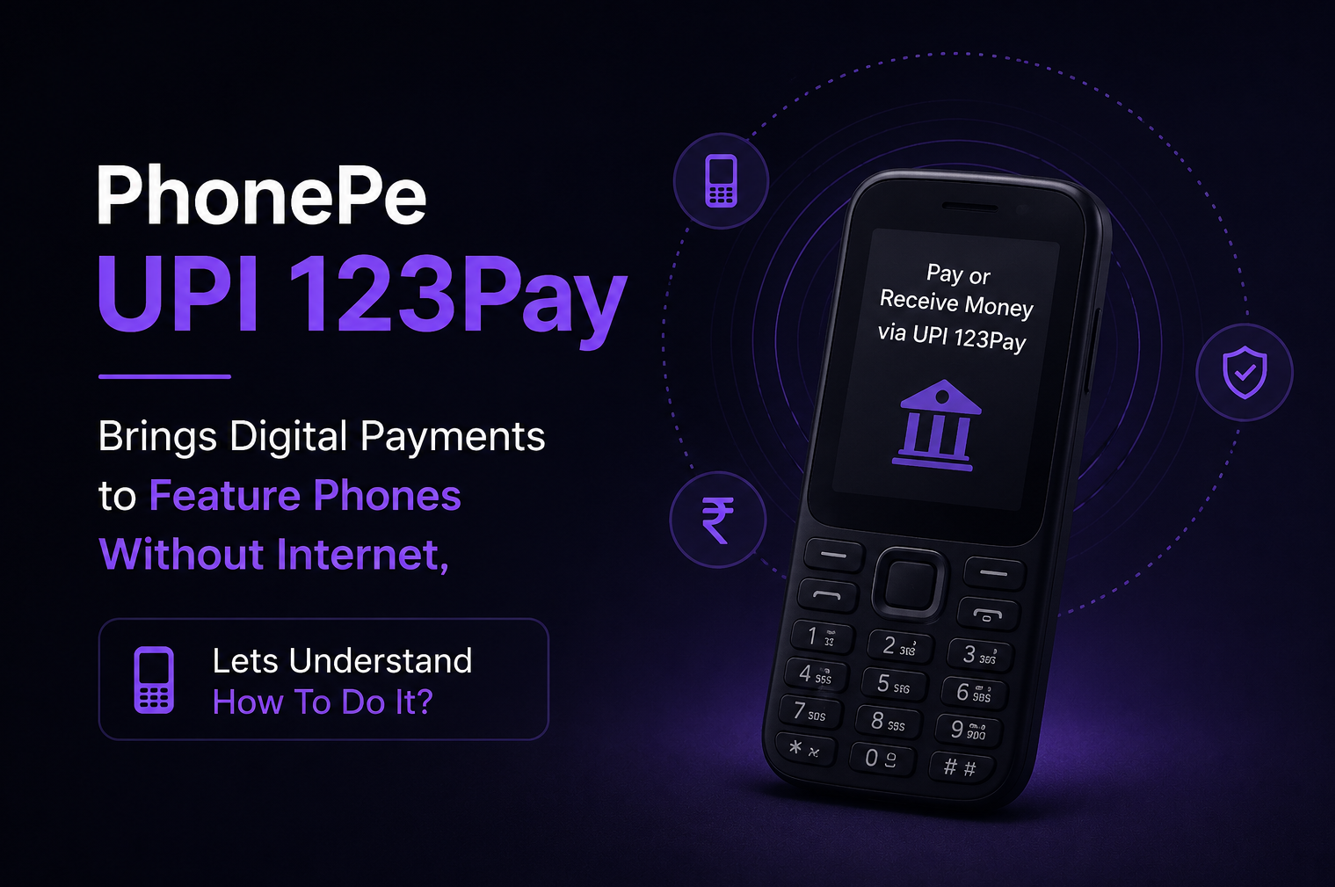
PhonePe has launched UPI 123Pay for feature phone users in India, making digital payments possible even without a smartphone or internet connection. The service was announced on August 31, 2026, and is aimed at people who still use basic mobile phones or live in areas where internet access is weak.
This is a useful move for rural users, senior citizens, small shopkeepers, daily wage workers and anyone who wants simple UPI payments without depending on mobile data. PhonePe says the service will come pre-installed on select Nokia, HMD, Lava and Itel feature phones, with more handset brands expected later.
What is PhonePe UPI 123Pay
PhonePe UPI 123Pay is a payment service made for feature phones. It allows users to send money, pay merchants, check bank balance and view transaction history without using internet data.
The system works through SMS-based technology. This means a basic phone with network signal can complete UPI transactions even in places with limited 2G connectivity.
Users can pay through mobile numbers, UPI IDs, contacts and QR codes. However, QR scanning will work only on feature phones that have camera support.
Why this launch matters
UPI has become a daily payment habit for smartphone users, but many Indians still use feature phones. For them, paying digitally has not always been easy.
PhonePe says India has more than 200 million feature phone users. If even a part of this group starts using UPI, digital payments can reach many more people beyond cities and smartphone users.
For example, a farmer can pay a local supplier, a worker can send money home, or a small shop customer can pay digitally without needing a smartphone. This makes UPI more inclusive and practical.
How to register for PhonePe UPI 123Pay
The setup process is simple and does not need a smartphone.
- First, open the pre-installed PhonePe app on the feature phone. Then read and accept the terms and conditions. After that, select your bank from the list.
- Next, enter the last six digits of your debit card and the card expiry date. Once this is done, set your UPI PIN. Your UPI ID will become active, and you can start making payments.
How to pay using PhonePe UPI 123Pay
- To make a payment, open the PhonePe app on the feature phone.
- Choose how you want to pay. You can select Scan and Pay, Contact Book, Mobile Number or Pay to UPI ID.
- If you are paying through a mobile number or UPI ID, enter the receiver’s details carefully. Then check the name shown on the screen before moving ahead.
- Enter the amount, type your UPI PIN and press OK to confirm. A payment confirmation screen will appear after the transaction is completed.
- If your feature phone has a camera, you can also scan a merchant QR code, enter the amount and confirm with your UPI PIN.
Extra support for new users
PhonePe has also launched a voice-first AI helpline for feature phone users. It supports English and 12 Indian languages.
This can help first-time users understand activation, basic UPI steps and payment-related questions without going through confusing menus.
Conclusion – Key takeaways
PhonePe UPI 123Pay is a practical step for users who do not own smartphones or have stable internet. It brings basic UPI features to feature phones through SMS-based payments.
Users can send money, pay merchants, scan QR codes on supported phones, check balance and view transaction history. The service can especially help rural users, small merchants and first-time digital payment users.
Facts Input- Official Press Release
Discover more from Newskart
Subscribe to get the latest posts sent to your email.

Comments are closed.