


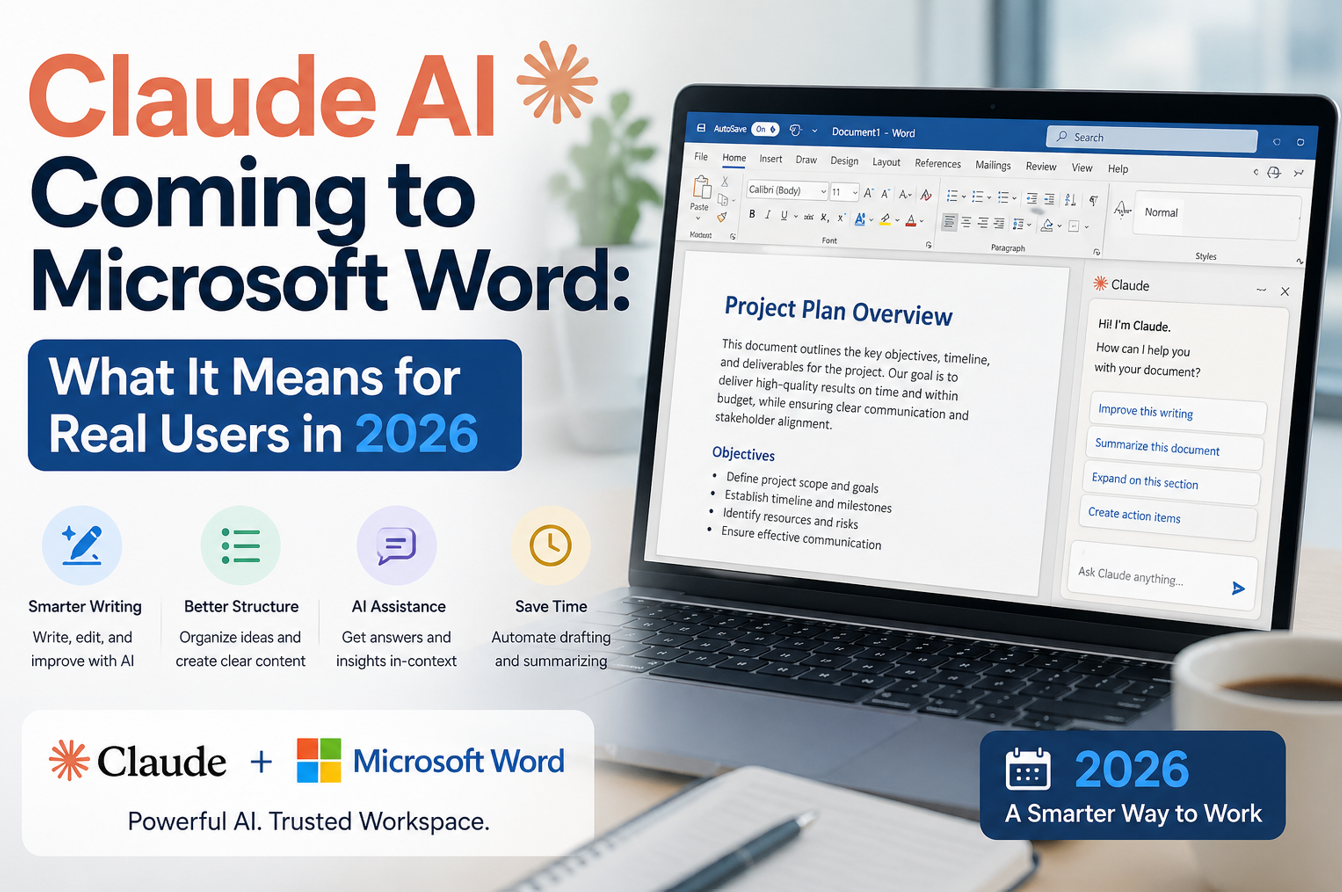
Claude AI is now coming to Microsoft Word, which may sound like a simple product update, but it is actually a bigger shift in how AI productivity tools are evolving. Now they are associating with our regular use tools like MS Word of the MS Office package. Until recently, many users treated Word AI as a single-assistant experience. Now, model choice is entering the workflow, and that can change how people write, edit, summarize, and review documents.
There are two important paths users should understand. First, Claude can be used in Word through add-ins connected via third-party infrastructure. Second, Microsoft has announced Anthropic model support in Microsoft 365 Copilot experiences, with Word support scheduled in the broader rollout cycle. These two paths overlap in outcome but differ in setup, admin control, and data routing.
For users, the core question is practical: will this make work better or just add one more AI button? The answer depends on how clearly teams design their workflow.
Claude: Products, Features, Models & Industry Solutions
Short overview based on Anthropic public docs and help pages
What Claude in Word Actually Means
Let’s make this very clear in plain language. As of now, “Claude in Word” can mean:
1. Claude for Word add-in path
Organizations can use Claude-powered Office add-ins through supported cloud routes (for example, Azure AI Foundry, Bedrock, Vertex AI, or a gateway approach), depending on their setup.
2. Anthropic models in Microsoft 365 Copilot path
Microsoft has documented Anthropic model settings in Copilot experiences in Word/Excel/PowerPoint for specific tenant scenarios, with staged support details and admin controls.
Why this matters: one is an add-in-centered usage model, and the other is a Copilot platform model-choice model. Both can improve writing, but governance and availability are not identical.
Why This Is Good News for Users
A single AI assistant is rarely best at every task. Some users want stronger long-document handling. Others want concise executive summaries, cleaner legal rewrites, or structured policy drafting. Multi-model access gives teams flexibility to choose what performs better per task.
This can improve:
- draft quality on first attempt
- rewrite clarity for complex documents
- speed of summarization for long files
- consistency in formatting and tone updates
- productivity in repetitive documentation workflows
In short, users can move from “one-size-fits-all AI” to “task-fit AI.”
Practical Capabilities Users Can Expect
If configured correctly, users can expect practical improvements in Word workflows.
1) Long document summarization
Large documents can be condensed into readable briefings faster, with better section-level structure.
2) Rewrite and refinement support
Drafts can be rewritten for tone, audience, and clarity with less manual back-and-forth.
3) Clause and policy editing
Teams handling contracts or internal policy text can accelerate revision cycles with AI-assisted rewrite options.
4) Multi-step content transformation
Users can go from rough notes to structured output, then to polished final drafts in fewer cycles.
5) Better enterprise fit through admin controls
For organizations, model settings can be aligned with compliance rules and rollout policy.
These benefits are real, but only if organizations define where and how the assistant is used.
Copilot vs Claude in Word: Is This Competition or Combination?
Many users frame this as a direct fight. In reality, for most businesses, it is a layered stack.
Copilot strength: deep Microsoft 365 context, orchestration across files/chats/workflow surfaces
Claude-oriented path strength: alternative model behavior and writing style in document tasks, especially where teams prefer that output profile
So the smarter enterprise pattern is often:
keep Copilot as core orchestration layer
enable Anthropic model options where useful
use add-in routes for specific workflow needs
This gives users optionality without forcing a full platform shift.
Competitor Context: Why This Trend Is Bigger Than One Feature
Claude coming into Word workflows is part of a broader AI productivity race:
- Microsoft is expanding model choice in work apps
- Anthropic is moving deeper into professional productivity surfaces
- OpenAI remains central in many enterprise copilots
- Google continues pushing Gemini into Workspace environments
For users, this competition is good. It usually leads to better capability, better pricing pressure, and better tool quality over time.
Final Takeaway
Claude AI coming to Microsoft Word is a meaningful update, but its value depends on implementation quality. For individual users, it can improve drafting and rewriting. For organizations, it adds model flexibility inside productivity workflows. Alongside Copilot, this can become a stronger combined setup rather than a replacement story. The most effective teams will not ask, “Which one is better forever?” They will ask, “Which one is better for this task?” That mindset is what turns AI availability into real capability.
Facts Input- Cl.AI Support Page
Discover more from Newskart
Subscribe to get the latest posts sent to your email.

Comments are closed.